OEM · voice + backlight
OEM Backlit remote for vSeeBox V1–V6
$44.99
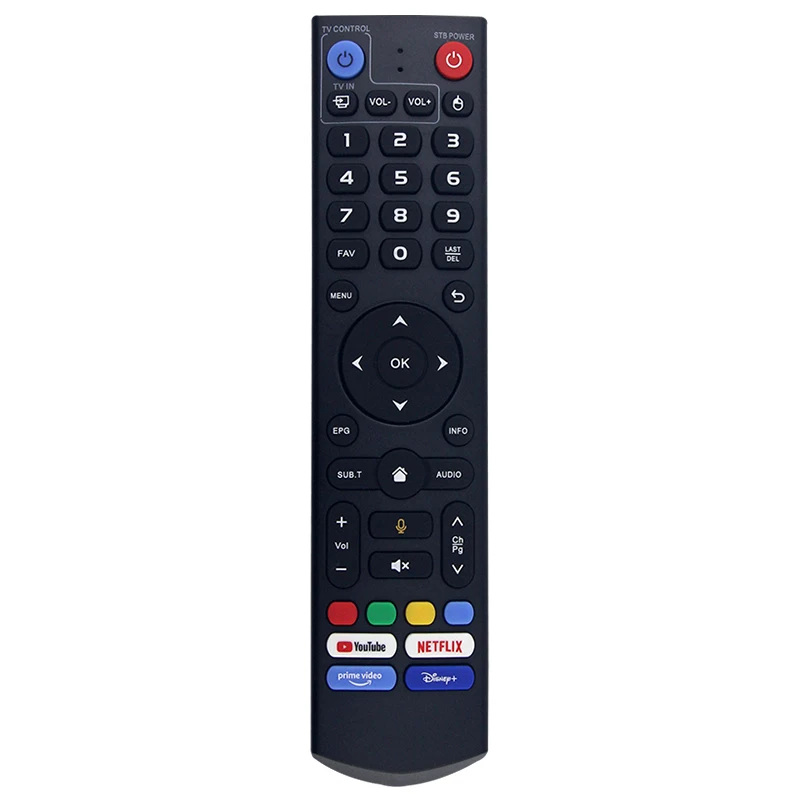
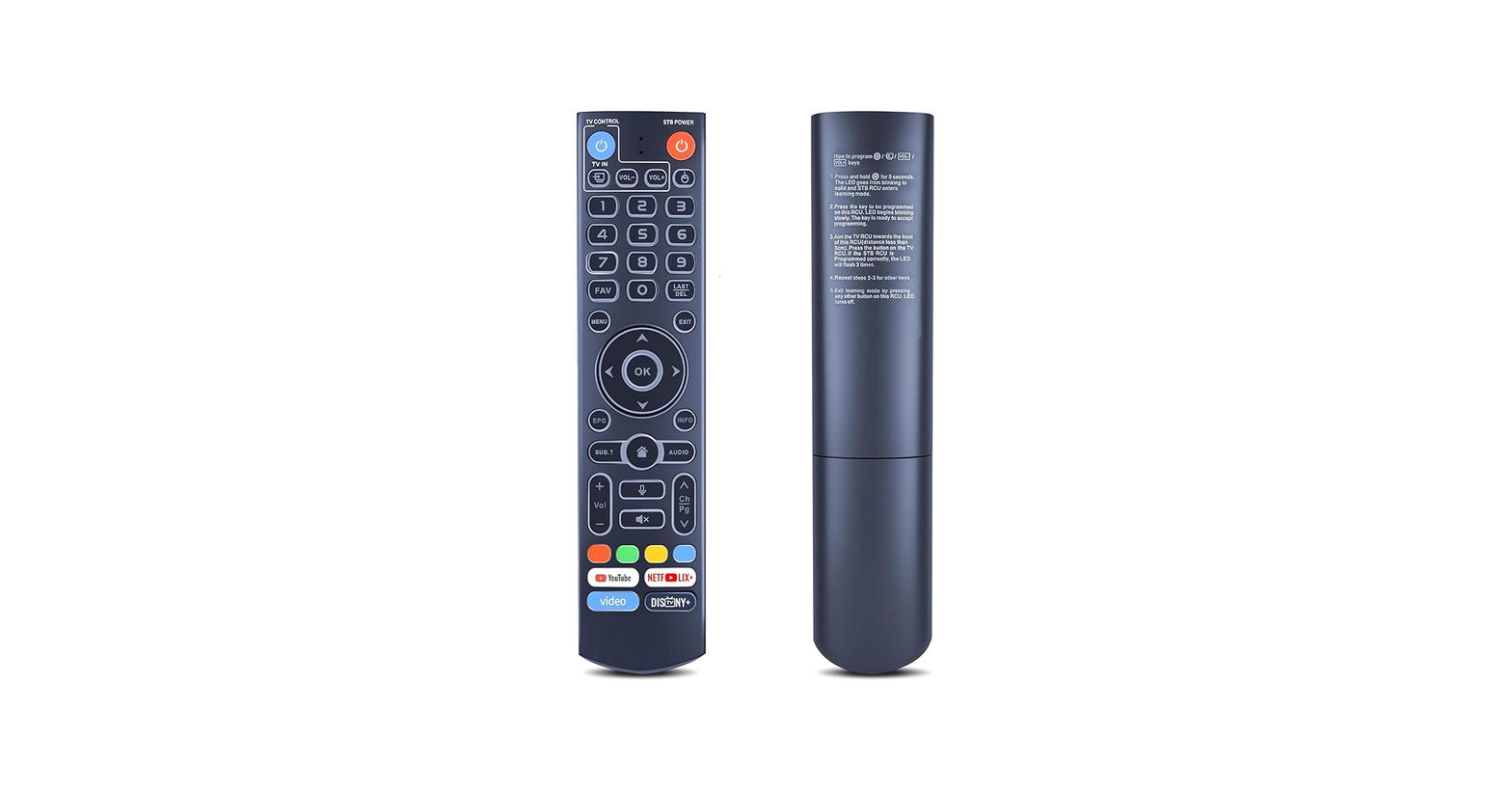
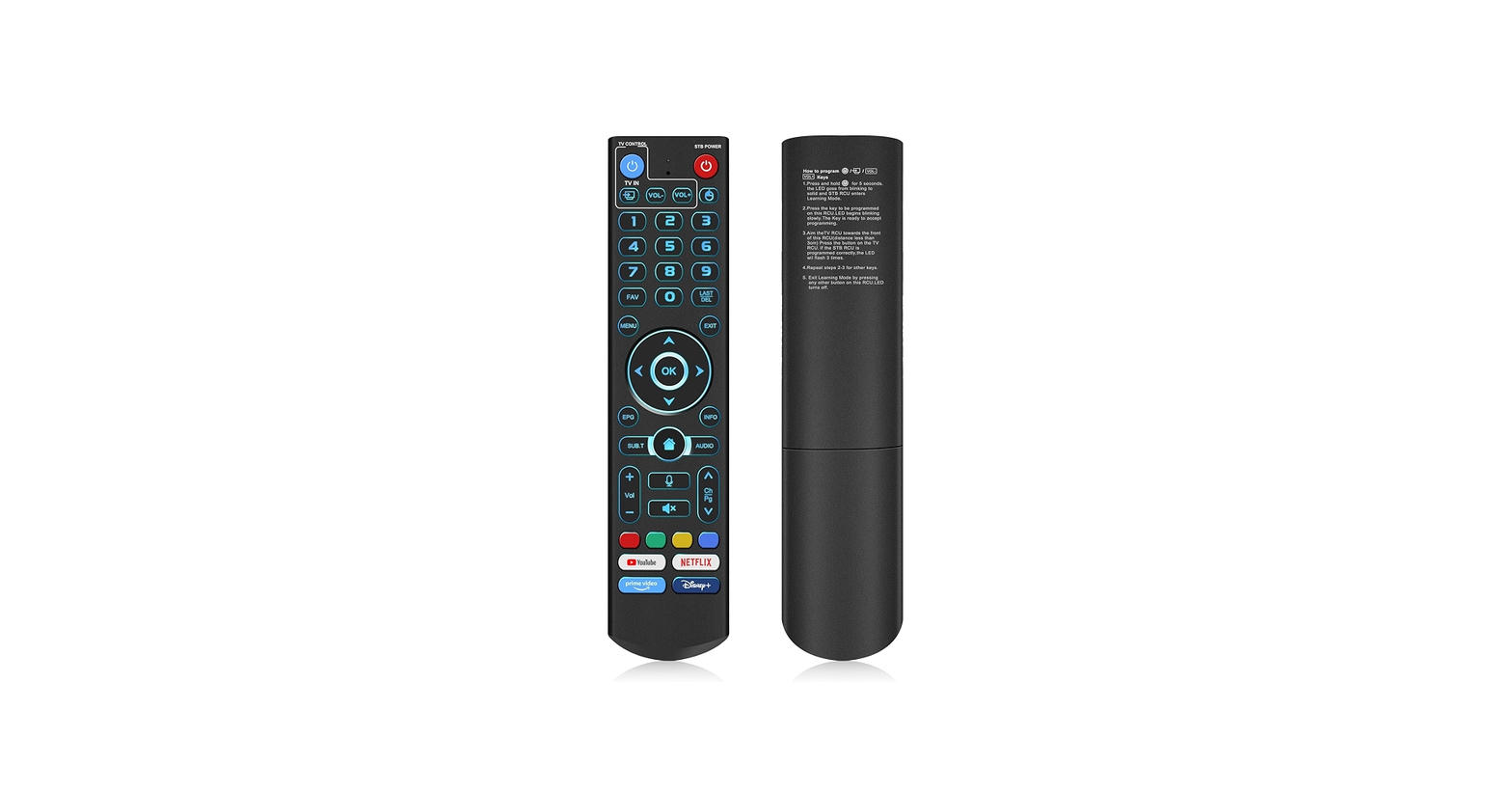
OEM Backlit is the ice-blue keypad version of the V5 / V6 voice remote. Bluetooth voice search on V3 Pro, V3 Plus, V5 Pro, V6 Max, V6 Plus, V6 Pro, Elite, Elite Mini, Elite Ultra, and Max, plus backlit keys for a dark room. Pair with OK + VOL−. V2 and V2 Pro owners can hold 5 for infrared mode. This is the remote most people buy when the stock handset dies.
- Ice-blue backlit keypad
- Bluetooth voice search on V3 Pro, V5 Pro, V6 Max and up
- TV learning plus app shortcut keys
- V2 IR fallback (hold 5)
1
Free US shipping on this remote. Two AAA batteries not included. Lumen Remotes is an independent seller and is not affiliated with, endorsed by, sponsored by, or associated with vSeeBox or its manufacturers.
Specs
- Connection
- Bluetooth, with IR fallback
- Voice search
- V3 Pro and newer
- Backlight
- Ice-blue keypad
- Batteries
- Two AAA (not included)
- Fits
- Voice on V3 Pro, V5 Pro, V6 Max, Elite, Mini, Ultra, and Max. Buttons on V1 / V2.
- Price
- $44.99
- US shipping
- Free
How to pair
- Insert two AAA batteries (not included).
- Stand next to the vSeeBox.
- Hold OK and VOL− for 5–10 seconds until the light flashes.
- Accept the on-screen Bluetooth prompt.
- V2 / V2 Pro: hold 5 to switch infrared mode.
If your vSeeBox remote is not working
- Put in two fresh AAA batteries.
- Stand next to the box and hold OK + VOL− for 5–10 seconds to redo vSeeBox remote pairing, then accept the Bluetooth prompt.
- Hold 5 for V2 IR mode.
- Voice search needs V3 Pro or newer. V1 and V2 get buttons, not the microphone.
- Still stuck? Email lumenremotes@agentmail.to.
Compatible boxes
Voice search: V3 Pro, V3 Plus, V5, V5 Pro, V6 Max, V6 Plus, V6 Pro, Elite, Elite Mini, Elite Ultra, Max. Buttons via Bluetooth or IR on V1 / V2.