OEM Style remotes for vSeeBox V1–V6
The remote your vSeeBox should have shipped with.
Three OEM-style replacements for vSeeBox V1 through V6 — including V5 Pro, V6 Max, V3 Pro, Elite, Mini, and Ultra: infrared, Bluetooth voice, or ice-blue backlit voice. Pick one, add it to your cart, and check out in a minute. Independent seller — not affiliated with vSeeBox. US shipping only.
- Optional ice-blue backlight
- Voice on V3 Pro and up
- IR, Voice, or Backlit
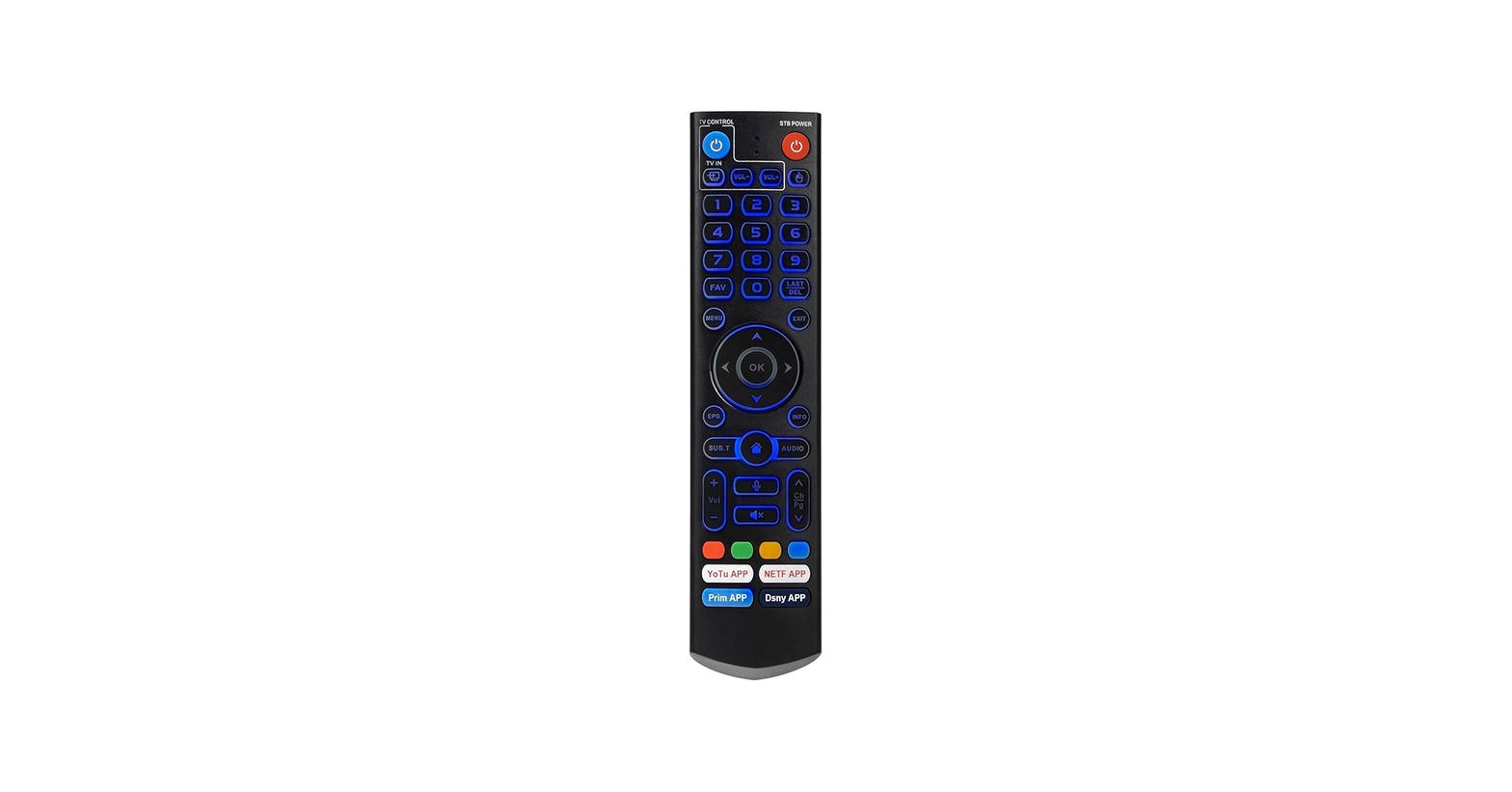
OEM Backlit — ice-blue keys, voice, app shortcuts.
V1–V6
Model coverage
32 ft
Bluetooth range
< 0.2s
Button response
2× AAA
Batteries, not included
Shop
Choose the OEM remote that fits the box.
Compatible with V1, V2, V3, V5, V6, Elite, Mini, Ultra, and Max
Three OEM-style replacements for vSeeBox V1 through V6. Open a remote for full details, or select one here and check out. Independent seller — not affiliated with vSeeBox. US shipping only.
Selected OEM Backlit · $44.99
Free shipping on orders $35+. Two AAA batteries not included.
Why people replace the original
Built for the mash, the dark, and the lost-cushion night.
Stock vSeeBox remotes are famous for buttons you have to bury. These OEM-style replacements are the ones that show up in owner threads: IR, voice, or backlit voice.
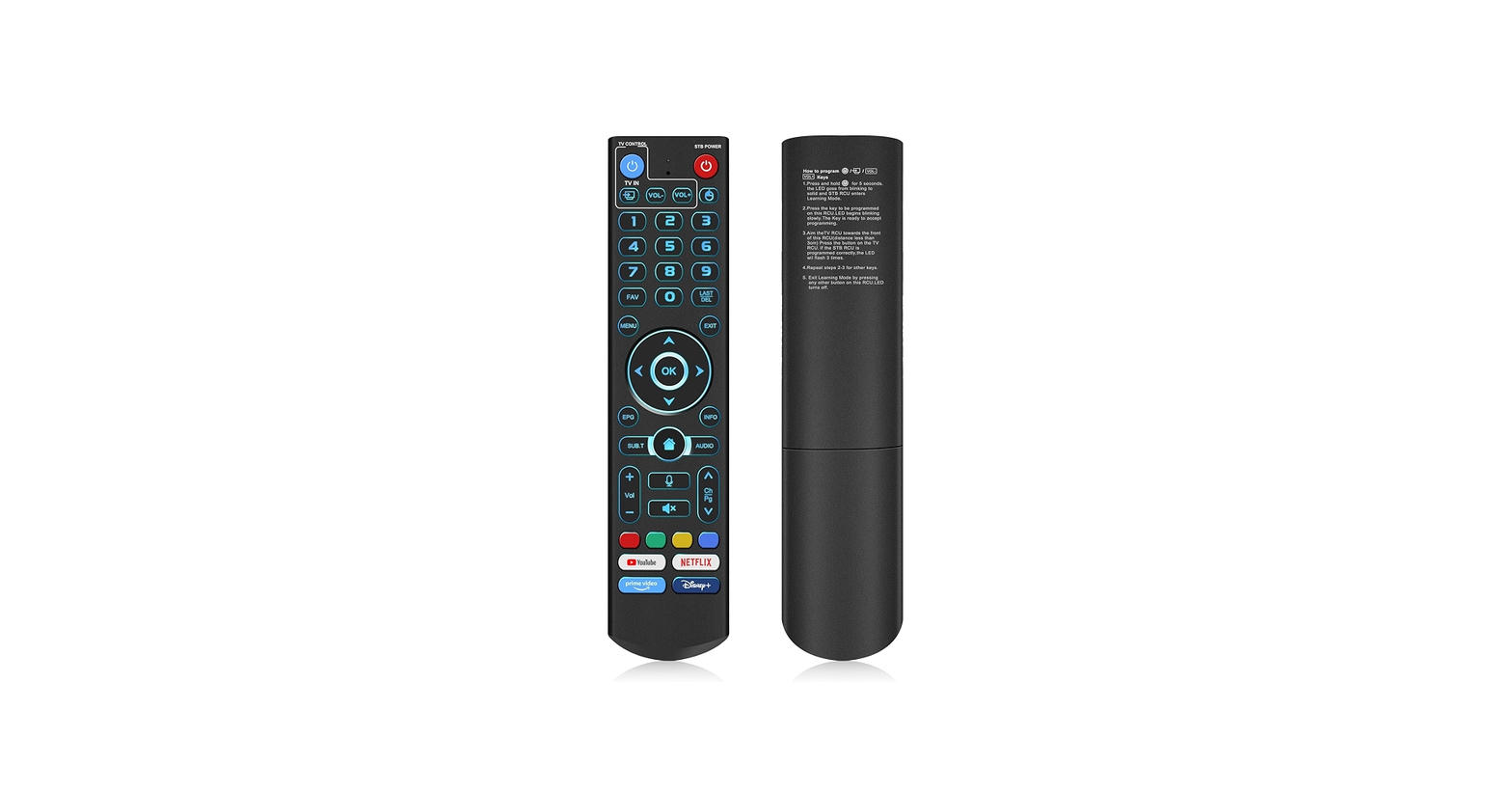
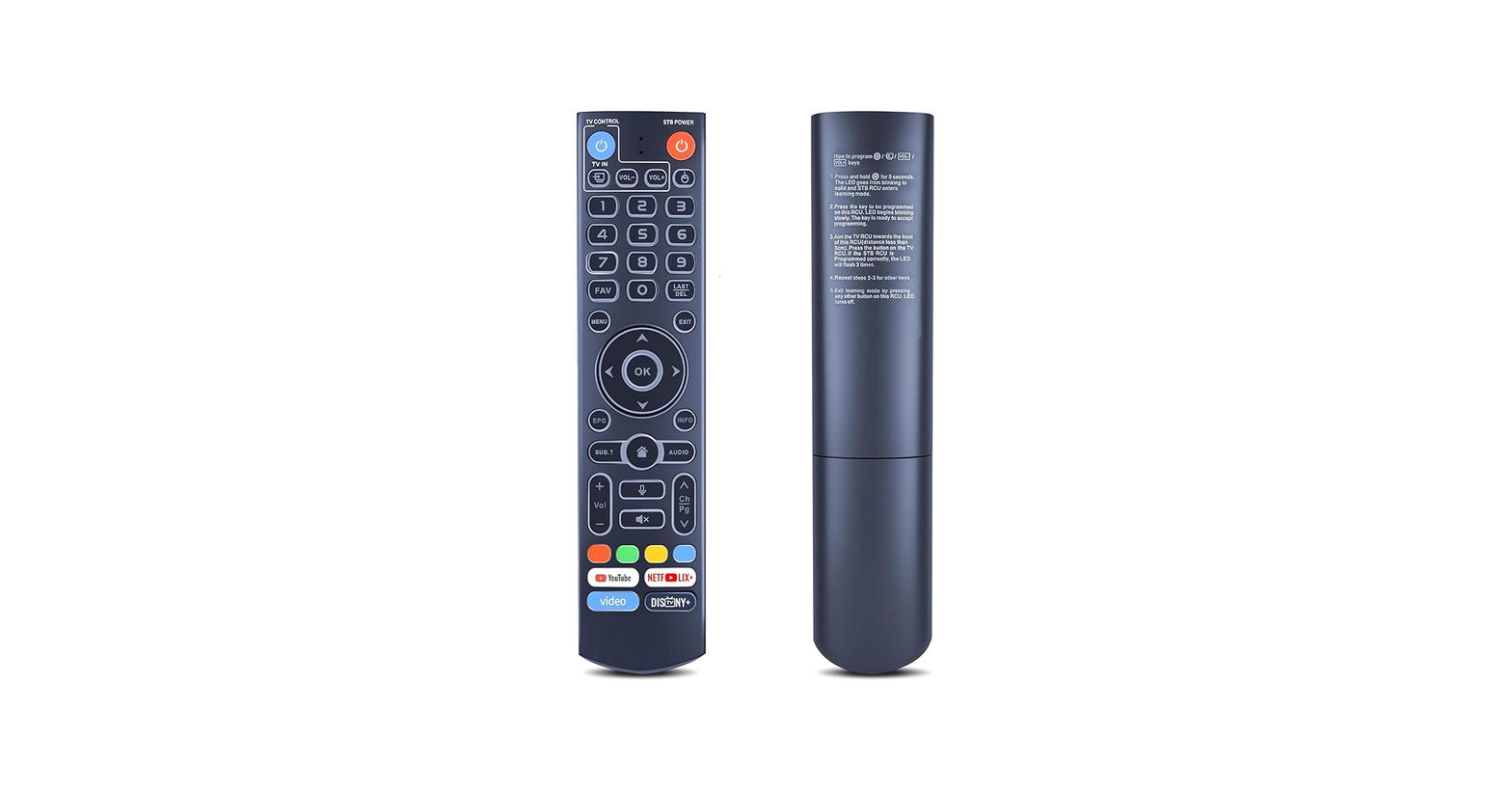
Ice-blue backlight
On OEM Backlit, find volume at 11pm without waking the room. Cool-blue keys, not a flashlight in the face.
Voice search that works
OEM Voice and OEM Backlit: hold the mic and talk. Voice is supported on V3 Pro, V5 Pro, V6 Max, Elite, and newer.
Bluetooth, not IR guessing
Voice and Backlit pair with OK + VOL− for 5–10 seconds. Point-anywhere once they’re on Bluetooth.
IR when you need it
Essential IR is line-of-sight from the first press. Voice and Backlit can fall back to V2 IR with a hold on 5.
Learn your TV’s power
Program TV power and volume from your original TV remote. One handset for box and screen.
App keys, EPG, the lot
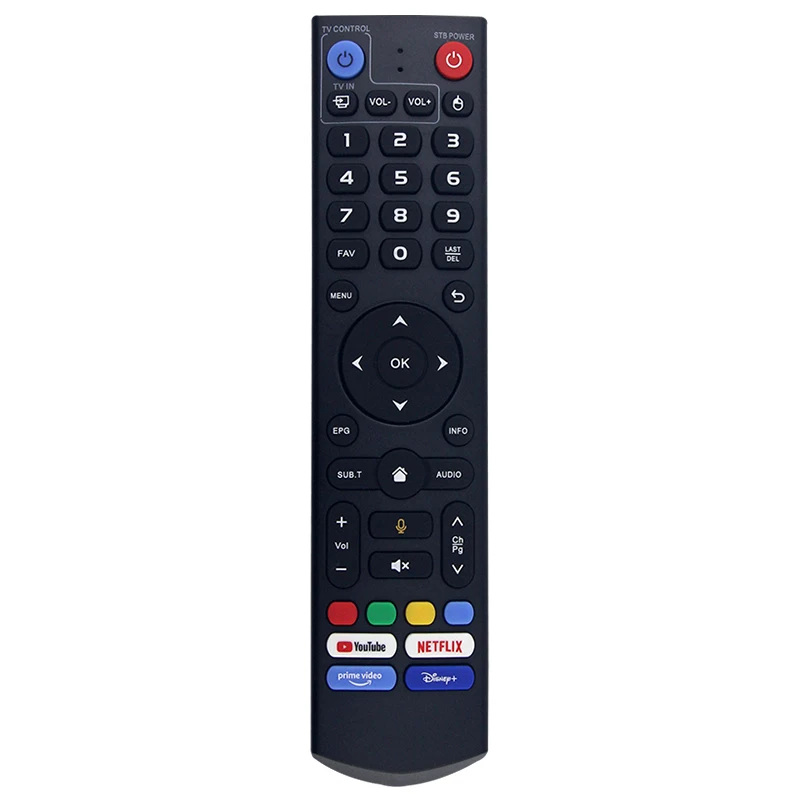
YouTube, Netflix, Prime, Disney, EPG, Home, colored keys on the Voice and Backlit OEMs.
Setup
Pair it once. Then forget it.
Essential IR works as soon as the batteries are in. Voice and Backlit take under a minute on Bluetooth — if you were using IR and the remote felt laggy, you were on the wrong mode.
- 01
Drop in two AAA batteries
Fresh cells. Weak batteries are the number-one “it won’t pair” complaint.
- 02
Stand next to the box
Point the remote at the vSeeBox. Bluetooth pairing is happiest at arm’s length.
- 03
Hold OK + VOL−
Five to ten seconds, until the indicator flashes. Keep holding even if a pair message appears early.
- 04
Confirm on screen
Accept the Bluetooth prompt. Same method as the original remote — no extra app.
Compatibility
Pick your box. We’ll tell you the truth.
One remote covers vSeeBox V1 through V6 — including V5 Pro, V6 Max, V3 Pro, Elite, Mini, and Ultra. Voice search needs V3 Pro or newer. Earlier boxes still get infrared, Bluetooth buttons, and TV learning.
V5 / V5 Pro
Yes — this remote pairs with it.
Native V5 family. Pair OEM Voice or OEM Backlit with OK + VOL−. Voice search works.
- Bluetooth pairing + IR fallback
- Ice-blue backlight and app shortcut keys
- Voice search supported
From the living room
The upgrade people buy after the original gives up.
“The original needed a death-grip. This one clicks, lights up in cool blue, and the EPG actually works.”
“Paired in about a minute. Voice search works, Bluetooth is solid, and I programmed TV power the same way as the OEM remote.”
“Looks like the Elite Ultra remote, except it backlights. Spare on the couch so we stop fighting over the one in the cushions.”
FAQ
Before you tap buy.
Still unsure? Compare the three remotes and add the one that matches your box.
No. These are third-party OEM-style replacements with the layouts owners know — infrared, Bluetooth voice, and backlit voice. Lumen Remotes is an independent seller and is not affiliated with, endorsed by, sponsored by, or associated with vSeeBox or its manufacturers. vSeeBox is a trademark of its respective owner.
V1, V1 Pro, V1 Max, V2, V2 Pro, V3, V3 Pro, V3 Plus, V5, V5 Pro, V6 Max, V6 Plus, V6 Pro, Elite, Elite Mini, Elite Ultra, and Max. Hardware revisions vary — confirm your box before you buy.
Essential IR if you just need buttons and line-of-sight. OEM Voice if you want Bluetooth and the microphone. OEM Backlit if you want that plus ice-blue keys in a dark room.
Voice search works on V3 Pro, V3 Plus, V5, V5 Pro, V6 Max, V6 Plus, V6 Pro, Elite, Elite Mini, Elite Ultra, and Max with OEM Voice or OEM Backlit. V1, V1 Pro, V1 Max, V2, and V2 Pro still get IR and Bluetooth pairing — just not the microphone.
Essential IR: insert two AAA batteries and point at the box. Voice and Backlit: stand next to the box, hold OK and VOL− for 5–10 seconds until the light flashes, then accept the on-screen Bluetooth prompt. Hold 5 to switch V2 infrared mode.
Put in two fresh AAA batteries. For Essential IR, point at the box with a clear line of sight. For OEM Voice or OEM Backlit, stand next to the box and hold OK + VOL− for 5–10 seconds to redo vSeeBox remote pairing, then accept the Bluetooth prompt. Hold 5 for V2 IR mode. Voice search needs V3 Pro or newer. Still stuck? Email lumenremotes@agentmail.to.
The remote you ordered. Batteries are not included — pick up two AAA cells.
Select a remote, add it to your cart, and pay with PayPal on the checkout page. Guest checkout is allowed. Free shipping on orders $35 and up.
30 days from purchase on unused remotes. Email lumenremotes@agentmail.to with your LM- order number, or message us from the PayPal transaction. You pay return shipping unless the unit arrived damaged or dead on arrival. Refunds go back to PayPal after we receive the remote.
Email lumenremotes@agentmail.to. We handle orders, pairing questions, and returns there.